 English
 हिंदी भाषा

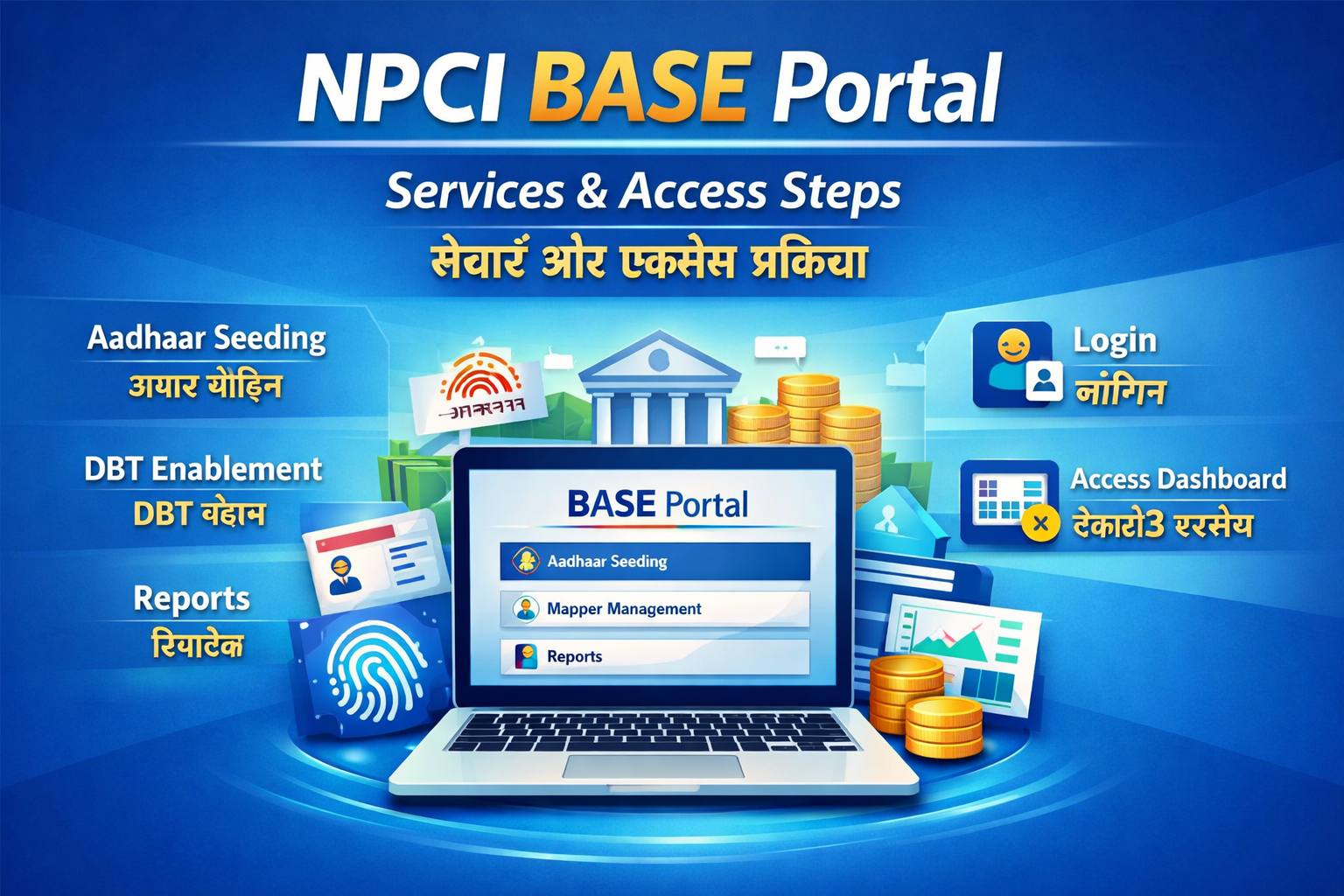
Introduction
The National Payments Corporation of India (NPCI) has developed multiple digital platforms to improve India’s payment and banking infrastructure. One such important service is the Bharat Aadhaar Seeding Enabler (BASE) portal.
The BASE portal helps citizens link their Unique Identification Authority of India (UIDAI) Aadhaar number with their bank accounts digitally. This linkage plays a critical role in enabling Direct Benefit Transfer (DBT) services.
Through DBT, government subsidies and welfare scheme benefits are transferred directly to beneficiaries’ bank accounts, reducing corruption, delays, and middlemen.
The BASE portal provides a convenient way for citizens to:
- Link Aadhaar with bank accounts
- Check Aadhaar mapping status
- Transfer Aadhaar linkage to another bank
- Remove Aadhaar linkage if required
This guide explains how the NPCI BASE portal works, its services, benefits, and how to use it step-by-step.
What is the NPCI BASE Portal?
The Bharat Aadhaar Seeding Enabler (BASE) is an online service platform that helps banks and citizens manage Aadhaar seeding with bank accounts.
Aadhaar seeding means linking a citizen’s Aadhaar number to their bank account so that it becomes the primary account for receiving government scheme payments.
Once Aadhaar is mapped with a bank account in the NPCI mapper, any DBT payment sent using Aadhaar automatically reaches that account.
This system ensures faster and more transparent distribution of government funds.
Why Aadhaar Seeding is Important
Linking Aadhaar with bank accounts provides several benefits:
1. Direct Benefit Transfers
Government subsidies such as LPG subsidy, pension schemes, and welfare payments are credited directly.
2. Faster Payments
Payments are processed quickly without intermediaries.
3. Fraud Prevention
Identity verification using Aadhaar reduces fraud and duplication.
4. Easy Bank Switching
Users can move Aadhaar linkage from one bank account to another.
Services Available on the NPCI BASE Portal
The BASE portal provides multiple services for managing Aadhaar-bank linking.
1. Aadhaar Mapping Status Check
This feature allows users to verify whether their Aadhaar number is linked with a bank account in the NPCI system.
Benefits
- Confirm Aadhaar linkage
- Check DBT eligibility
- Verify primary bank account
Users only need their Aadhaar number to check the status.
2. Aadhaar Seeding (Link Aadhaar with Bank)
Aadhaar seeding allows citizens to link their Aadhaar number to their bank account.
There are three types of seeding options available.
Fresh Seeding
If Aadhaar is not linked to any bank account, users can link it for the first time.
Same Bank Movement
Users can move Aadhaar mapping from one account to another within the same bank.
Other Bank Movement
Users can transfer Aadhaar mapping from one bank to another bank.
This ensures that DBT payments reach the preferred bank account.
3. Aadhaar De-Seeding
Sometimes users may want to remove Aadhaar linkage from a bank account.
The BASE portal allows users to request Aadhaar de-seeding.
Reasons may include:
- Closing a bank account
- Switching banks
- Updating account details
4. Aadhaar Mapping History
This service allows users to check the history of Aadhaar linking.
Users can see:
- Previous banks linked with Aadhaar
- Changes in mapping
- Date of updates
This helps maintain transparency in the linking process.
Step-by-Step Guide to Access BASE Portal
Follow these steps to use the BASE portal services.
Step 1 – Visit NPCI Website
Go to the official NPCI BASE portal:
https://base.npci.org.in/base/homepage
Step 2 – Select Consumer Services
On the homepage, choose the Consumer Services option.
Step 3 – Choose BASE Service
Select Bharat Aadhaar Seeding Enabler (BASE).
Step 4 – Select Required Service
Choose the service you want to use:
- Aadhaar Mapping Status
- Aadhaar Seeding
- Aadhaar De-Seeding
- Mapping History
Step 5 – Enter Required Details
Provide the required information such as:
- Aadhaar number
- Bank account details
- Registered mobile number
Step 6 – Submit Request
Submit the request and verify using OTP if required.
After verification, the portal will display the request status.
Requirements to Use the BASE Portal
To successfully use the BASE portal, users must ensure:
Aadhaar Number
Your Aadhaar number should be valid and active.
Bank Account
The bank account must support Aadhaar seeding.
Registered Mobile Number
A mobile number linked to the bank account may be required for OTP verification.
Benefits of the BASE Portal
The BASE portal offers several advantages to citizens.
Digital Convenience
Users can manage Aadhaar-bank linking online without visiting a bank branch.
Transparency
Mapping status and history can be viewed anytime.
Faster Government Payments
DBT payments are processed quickly.
Easy Bank Switching
Users can change Aadhaar-linked bank accounts easily.
Common Issues and Solutions
Aadhaar Not Linked
If Aadhaar is not linked, users should request fresh seeding.
Wrong Bank Mapping
Use bank movement option to change the linked bank account.
Mobile Number Not Registered
Update your mobile number with the bank before using the portal.

Add New Comment